A Photo Guide for Music Studios: Beautiful and Respectful of Privacy
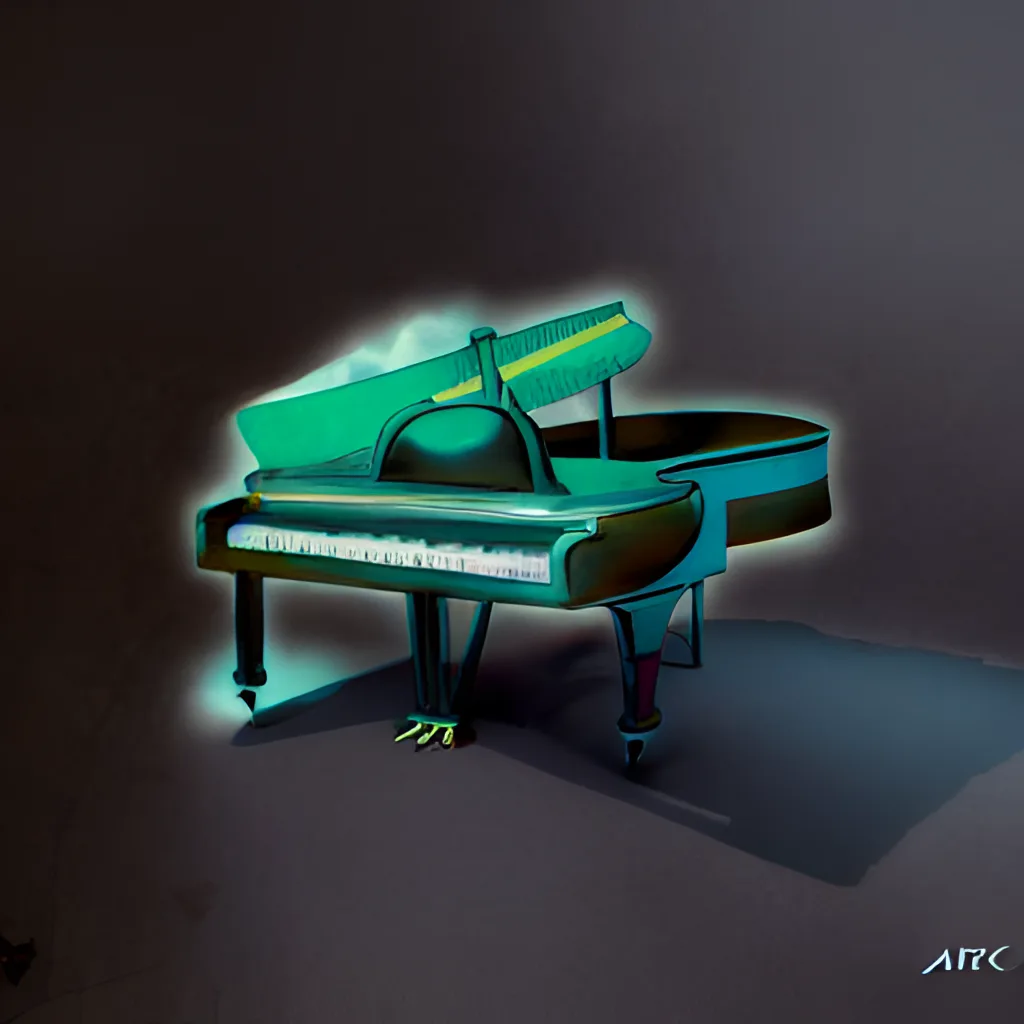
Promotional photos are an important way for a music studio to introduce itself to the world, but they also touch on the privacy of students and parents. Taking photos should not be a spur-of-the-moment thing; first think clearly about what to shoot, who it is for and who has agreed. A simple set of shooting principles can help a studio capture warm images while holding to its limits.
Get Clear Consent First
For adult students
Before shooting, explain where the photos will be used, such as the website, brochures or social platforms, and ask for clear consent. They may refuse, and may ask for photos to be taken down at any time.
For students under 18
You must get the guardian's consent. The consent should be specific, stating the use and scope, rather than a single vague sentence.
Keep a record of consent
Store the content and date of the consent in a safe place, viewable only by those who need it.
Shoot More Hands and Pianos, Fewer Faces
A music lesson offers plenty of good shots that do not show faces.
- Close-ups of fingers on the keys.
- Still lifes of sheet music, a pencil and a metronome on the piano.
- Scenes shot from behind of a student and teacher looking at a score together.
- The light and the piano in an empty classroom.
These images carry a sense of story, and also reduce the impact on personal privacy.

Watch the Information in the Background
The background is often overlooked when shooting. After shooting, check the following.
- Whether name lists, timetables and contact details on the wall are clearly visible.
- Whether any student information appears on computer screens.
- Whether door numbers, number plates or nearby landmarks reveal places that should not be made public.
- Whether other students' work or practice records have got into the frame.
If you find a problem, crop or reshoot; do not go with the thought "probably no one will notice".
Prepare Images for Different Uses
Website home page
Needs a landscape format and a simple composition, leaving blank space for text.
You've read 31% of this article
Log in for free to read the remaining 69%
- Free to use
- No credit card needed
Plus, try Premium free for 7 days in the TIGA ALPHA app.
Continue with Google Sign up free Already a member? Log inSocial platforms
Often need a square or portrait frame, and must be understandable at a glance on a small screen.
Brochures and posters
Need higher resolution, avoiding blur.
Images for different uses come in different sizes, so leave some margin when shooting; cropping afterwards will then be easier.
Light and Tidying
You do not need expensive equipment. Natural light by a window, a clean piano top and a tidy music stand are enough to make the picture look comfortable. Before shooting, put away clutter so that only what you want to express remains in the frame.
Use and Storage
- Use photos only within the scope of consent.
- Regularly check the photos on the website and platforms, and take down any that are no longer needed.
- If a student leaves the studio and asks for photos to be taken down, deal with it promptly.
- Keep original photos in a place with access control.
Practice Stories Beyond Photos
Often the most moving picture is not the stage but everyday practice. TIGA ALPHA is an AI piano teaching app, and when students practise at home they can get feedback on notes and beats through it. When a studio describes this way of learning, it can use a piano, a pair of hands and a score, and does not need to show people at all, yet readers can still sense the atmosphere of concentration.
A Simple Shooting Checklist
Before shooting, the team can use a checklist to remind themselves: what is today's theme? Who will be in the frame? Has consent been obtained? Is there information in the background that needs to be covered? Who will select the photos afterwards? Who is responsible for deleting the ones not used? Write these questions on a sheet of paper and post it at the studio door, and nobody will forget.
On the day of the shoot
- Tell the people present in advance that photos will be taken today.
- Mark out an area where no photos are taken for those who do not want to be in them.
- Avoid interrupting students during a lesson; wait until the break to shoot.
After the shoot
- Check and delete unsuitable photos on the same day.
- Put usable photos into a dedicated folder, and note the scope of consent.
Talking with Parents About How Photos Are Used
Many parents are happy for their child to take part, as long as they know how the photos will be used. The studio can prepare a short one-page explanation stating the occasion of the shoot, where the photos may appear, how long they will be kept and how to withdraw consent. Put this page with the enrolment materials, and parents can choose as they see fit. If a parent chooses not to consent, also make sure the child does not feel singled out in the activity, for example by asking the child to stand outside the camera's view while still taking part naturally.
FAQ
Q: Can we photograph students' work?
A: First get the consent of the student and the guardian, and explain the use.
Q: Can consent be withdrawn?
A: Yes. Students and parents should be told they have this right, and requests should be dealt with promptly.
Q: Will photos without faces be less appealing?
A: Hands, pianos and light can be very expressive; the key is a clean, genuine picture.
Q: What about shooting at events?
A: Tell people beforehand that shooting will take place, set areas where no photos are taken, and leave a choice for those who do not want to be in the frame.
Start Practising with TIGA ALPHA
To experience an AI piano teaching app for yourself, take a look at TIGA ALPHA.
TIGA ALPHA is an AI piano teaching app built by a team in Thailand. The app is available in 10 languages: Thai, English, Chinese, Arabic, Japanese, Russian, Spanish, French, Hindi and Korean. Its CEO, Teacher Aum, has 20 years of experience teaching piano, and that teaching background shapes every lesson. When you play, the app listens and tells you which notes or beats to practise next, so the feedback is specific rather than generic. Use it as an online piano lessons app for short daily sessions, follow it as a complete online piano course, or combine it with lessons from a teacher. Whether you are starting from scratch, coming back after a long break, learning music alongside your children or simply playing for fun, your next step stays clear. New users get a 7-day free Premium trial, then US$24.99 per month.
- Download and start: TIGA ALPHA
- In-person lessons in Thailand: TIGA Studio
- About the company: tigaalpha.com
There are plenty of good-looking photos; the ones worth keeping are those that leave everyone feeling respected.