A Checklist for Before Your Online Piano Lesson
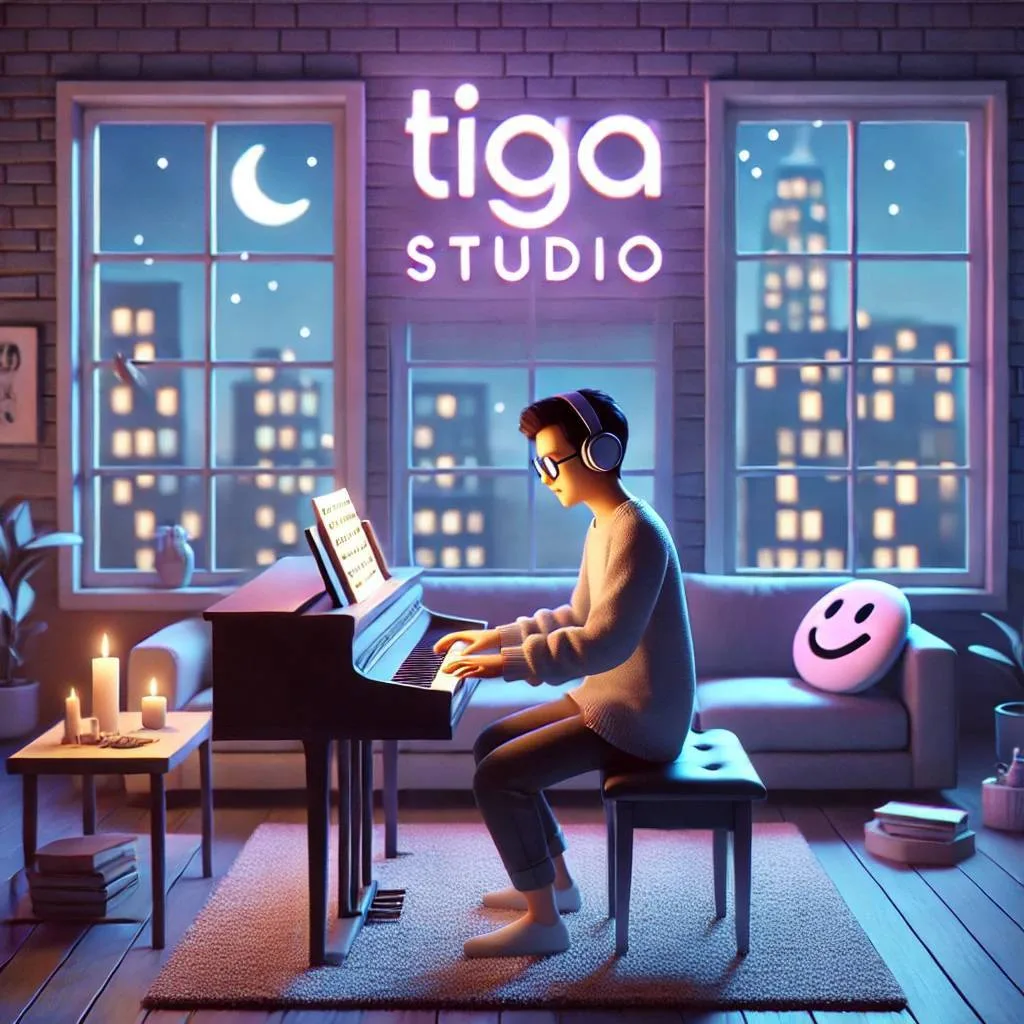
Before an online piano lesson, check your internet, your device and your camera angle in advance, so the teacher can see your hands, the keyboard and your posture. Have your music and a pencil ready, write down the questions you want to ask, and choose a quiet, well-lit place. After the lesson, sort out the teacher's advice and plan this week's practice. With good preparation, an online lesson can also be clear and efficient.
Test Your Internet and Device
Before the lesson, check in advance that your internet is stable and that your device is charged or plugged in.
Tip
You can open the software used for the lesson beforehand and confirm that you can log in normally and that the sound and picture are fine.
If your internet is not very stable, move as close to the router as you can, or switch off other devices that use the network.
What Makes Online Lessons Different
Online piano lessons let students and teachers have lessons even when they are not in the same place, saving travel time.
They are especially convenient on rainy days, on business trips or when you live far away.
But in an online lesson, the teacher cannot be right beside you, so you need to do some preparation so that the teacher can see and hear you clearly.
Before Your First Online Lesson
Before your first online lesson, you can arrange a few minutes' test with the teacher to confirm together that the picture and sound are fine.
The teacher may ask you to move the camera or adjust the light in the room, and these can all be sorted out before the real lesson.
During the test you can also ask the teacher what to prepare for the lesson, and how the two of you should reconnect if the internet drops.
After the Lesson
After the lesson, spend a few minutes sorting out the teacher's advice and write it in your practice diary or on your music.
Based on the teacher's advice, plan this week's practice and decide each day's practice focus.
You've read 30% of this article
Log in for free to read the remaining 70%
- Free to use
- No credit card needed
Plus, try Premium free for 7 days in the TIGA ALPHA app.
Continue with Google Sign up free Already a member? Log inIf the teacher allows it, you can also record part of the lesson to make review easier.
Communicating During the Lesson
In an online lesson there may be a slight delay, and the teacher's speaking and your playing may not be quite in sync.
You can start playing after the teacher has finished speaking, and stop after you finish playing to wait for the teacher's feedback.
If you did not hear the teacher clearly, you can politely ask the teacher to say it again.
Children in Online Lessons
When a child has an online lesson, a parent can help set up the device and camera before it starts.
For young children, a parent can sit nearby and help the child understand the teacher's instructions.
After the lesson, go over what the teacher said with your child and help the child plan the practice.
A different angle
- Test your internet and device in advance
- Adjust the camera so the teacher can see your hands and the keyboard
- Prepare your music, a pencil and your questions
- After the lesson, sort out the advice and plan your practice
Adjusting the Camera Angle
The camera position is important. The teacher needs to see your hands and the keyboard, and ideally your posture too.
You can put your phone or tablet at the side of the piano, a little higher up, filming from diagonally above.
Before the lesson, look at the picture yourself and confirm that your hands and the keyboard are in the frame and that there is enough light.
Choosing a Suitable Environment
Try to have the lesson in a quiet room to reduce interference from other sounds in the house.
The light should be good so that the teacher can see your hands clearly.
During the lesson, you can turn off your phone's notifications to avoid being disturbed.
Sound Settings
A piano is much louder than a speaking voice, and some software automatically turns down music so that it sounds choppy.
You can look in the software settings for a mode suited to music, or ask your teacher to help adjust it.
A digital piano can send its sound straight to the computer through a cable, and the sound will be clearer.

Prepare Your Study Materials
Put the music for the piece you will work on on the music stand, and keep a pencil and eraser within reach so you can make marks at any time.
If the teacher needs to see your music, you can photograph it and send it to the teacher in advance, to make sure you are both looking at the same edition.
You can also prepare a practice diary to write down the teacher's advice.
You can also mark the bar numbers on your music beforehand, so that when the teacher says online "start from bar such-and-such", you can find the place quickly.
Write Down Your Questions
Before the lesson, you can review this week's practice and write down the problems you ran into.
For example, you are not sure about the fingering in one place, or one section never goes smoothly.
Try this
Time in an online lesson is precious, and having your questions ready makes the lesson more efficient.
FAQ
Q: Which is better, online lessons or face-to-face lessons?
A: Each has its own features, so you can choose according to your situation.
Q: Can I have a lesson on my phone?
A: Yes, but pay attention to the camera angle and sound settings.
Q: Where is the best place for the camera?
A: At the side of the piano, a little higher up, where it can see your hands and the keyboard.
Q: What if the internet lags?
A: Move closer to the router or switch off other devices that use the network.
Q: Can I record the lesson?
A: You need to get the teacher's agreement first.
Q: Do children need a parent with them?
A: For young children, we recommend that a parent sits with them.
Practise with TIGA ALPHA
TIGA ALPHA is an AI piano teaching app built by a team in Thailand. The app is available in 10 languages: Thai, English, Chinese, Arabic, Japanese, Russian, Spanish, French, Hindi and Korean. Its CEO, Teacher Aum, has 20 years of experience teaching piano, and that teaching background shapes every lesson. When you play, the app listens and tells you which notes or beats to practise next, so the feedback is specific rather than generic. Use it as an online piano lessons app for short daily sessions, follow it as a complete online piano course, or combine it with lessons from a teacher. Whether you are starting from scratch, coming back after a long break, learning music alongside your children or simply playing for fun, your next step stays clear. New users get a 7-day free Premium trial, then US$24.99 per month.
- Download and start: TIGA ALPHA
- In-person lessons in Thailand: TIGA Studio
- About the company: tigaalpha.com