A 61-Key or 76-Key Keyboard: What to Watch For When Practising
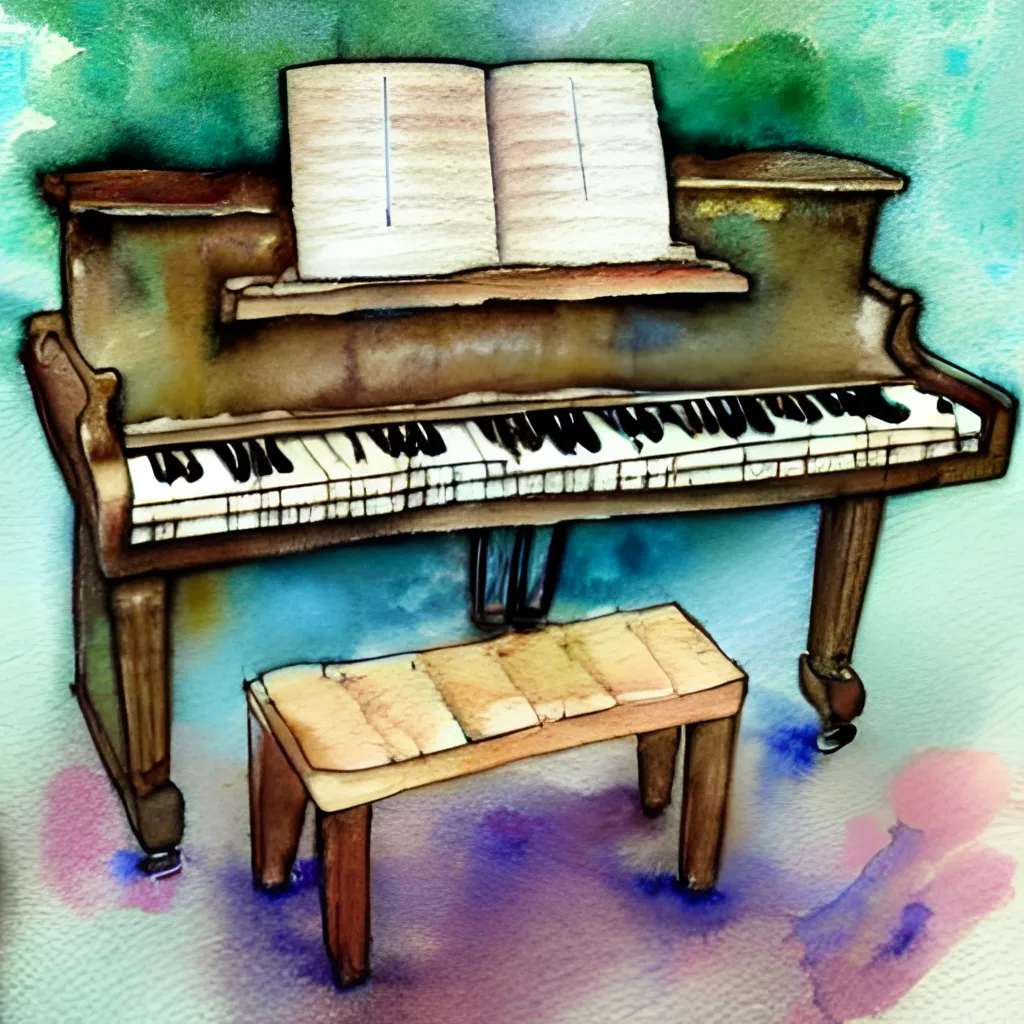
A standard piano has 88 keys, but many beginner electronic keyboards have only 61 or 76 keys, so the range is narrower and the keys may be lighter than on a piano. At the beginner stage it is fine to practise on such a keyboard, since the range of many beginner pieces is not wide. Things to watch: when a note falls outside the range, you can use the octave-shift function or play it in the neighbouring octave; light keys may let your fingers get used to a light touch, so play on a piano when you have the chance; and before an exam or a performance, get used to a real piano in good time.
The Weight of the Keys
On many beginner keyboards the keys are lighter than on a piano and do not need much force to press down.
A small tip
If you practise on light keys for a long time, your fingers may get used to touching the keys lightly, and when you switch to a piano the keys will feel very heavy.
Some keyboards have touch sensitivity, producing different volumes depending on how hard you press; you can pay attention to this function as you practise.
Look from another angle
- A standard piano has 88 keys
- Beginner keyboards often have 61 or 76 keys
- They can be used at the beginner stage, as beginner pieces do not have a wide range
- Play on a piano whenever you have the chance
The Instrument Is Only a Tool
Whatever keyboard you use, steady practice and the right method are the key to progress.
Many people started learning on a simple keyboard and slowly made their way into music.
Making good use of the instrument at hand and enjoying the process of learning is a very good start.
Keyboards with Different Numbers of Keys
A standard acoustic piano and many digital pianos have 88 keys, running from the A in the bass all the way to the C at the top, a very wide span.
Many beginner electronic keyboards have only 61 or 76 keys, missing some of the lowest and highest notes of a piano.
These keyboards are usually light and fairly moderately priced, and suit people who are just starting out on the keyboard.
You've read 30% of this article
Log in for free to read the remaining 70%
- Free to use
- No credit card needed
Plus, try Premium free for 7 days in the TIGA ALPHA app.
Continue with Google Sign up free Already a member? Log inFinding Middle C
Because keyboards have different numbers of keys, the position of middle C differs too, and it is not necessarily in the exact middle of the keyboard.
You can check the manual, or find the marking on the keyboard, to confirm where middle C is.
Once you have found middle C, you can stick a small marker on it to help you find your position when you are starting out.
Play on a Piano When You Can
Even if you usually practise on an electronic keyboard, whenever you have the chance, play on a real piano too, for example at your teacher's home, at school or in a practice room.
This lets you get used to the weight of the keys, the tone and the pedals of a piano, and reduces the discomfort of changing instruments.
If you are preparing for an exam or a performance, you should get used to a piano in good time, so that you do not feel at a loss on the day.

Is It Enough for Beginners?
At the beginner stage, the range of most pieces is concentrated around middle C and does not use the lowest and highest notes of the piano.
So a keyboard with 61 or 76 keys is generally enough for practising beginner pieces.
As your level rises, the range of pieces becomes wider and wider, and then you may need more keys.
When to Think About Upgrading
If the pieces you are learning more and more often go beyond the range of the keyboard, or you need finer control of dynamics and pedalling, you can think about upgrading your instrument.
You can discuss it with your teacher and, depending on your level, budget and space, choose a suitable digital piano or acoustic piano.
An upgrade does not have to happen all in one step; you can consider it gradually as circumstances require.
What If a Note Is Out of Range
If a note falls outside the range of the keyboard, see whether the keyboard has an octave-shift function, which raises or lowers the pitch of the whole keyboard by an octave.
You can also play that note in the neighbouring octave; the pitch is different, but it lets your practice continue.
If this happens more and more, it may mean you need to consider an instrument with more keys.
Posture and Height
When using an electronic keyboard, pay attention to the height of the keyboard and where you sit, so that your forearms are roughly level with the keys.
You can use a stand and a chair with adjustable height to find a comfortable posture.
Sit roughly facing the middle of the keyboard, near middle C.
The Sustain Pedal
Many beginner keyboards can be connected to a separate sustain pedal, which you can use to practise pedalling.
If the keyboard has a pedal socket, consider getting a pedal to make practice closer to a piano.
Place the pedal where your right foot can reach it easily, and set it firmly so that it does not slide.
Practising Dynamics
If the keyboard has no touch sensitivity, the volume is the same however you press, and it is hard to practise changes of dynamics.
You can check the manual to see whether your keyboard supports touch sensitivity and how to set it.
If it does not, play on a piano and practise dynamics whenever you have the chance.
Frequently Asked Questions
Q: How many keys does a standard piano have?
A: 88 keys.
Q: Can I learn on 61 keys?
A: At the beginner stage it is generally enough.
Q: What if a note is out of range?
A: Use the octave-shift function or play it in the neighbouring octave.
Q: Do keys that are too light matter?
A: You may get used to a light touch, so play on a piano when you have the chance.
Q: Can I connect a pedal?
A: Many keyboards have a pedal socket, and you can get one.
Q: When should I upgrade my instrument?
A: When the range is often not enough or you need finer control.
Start Practising with TIGA ALPHA
TIGA ALPHA is an AI piano teaching app built by a team in Thailand. The app is available in 10 languages: Thai, English, Chinese, Arabic, Japanese, Russian, Spanish, French, Hindi and Korean. Its CEO, Teacher Aum, has 20 years of experience teaching piano, and that teaching background shapes every lesson. When you play, the app listens and tells you which notes or beats to practise next, so the feedback is specific rather than generic. Use it as an online piano lessons app for short daily sessions, follow it as a complete online piano course, or combine it with lessons from a teacher. Whether you are starting from scratch, coming back after a long break, learning music alongside your children or simply playing for fun, your next step stays clear. New users get a 7-day free Premium trial, then US$24.99 per month.
- Download and start: TIGA ALPHA
- In-person lessons in Thailand: TIGA Studio
- About the company: tigaalpha.com